Government should be elegantly simple. Your meeting minutes should be too.
This is an exclusive offer only for you as a North Carolina Clerk attending the NCAMC Conference.
Municipalities using ClerkMinutes
Hours of meetings transcribed
Minutes generated with ClerkMinutes
All-in-one workflow: agenda, audio, minutes, export:
• No need for transcription subscriptions or third-party AI tools.
• Clean, editable minutes that are ready for final review.
•. Built for municipal processes and minute formatting.


Any meeting recording (Zoom, digital recorder, phone)
Set your style preferences once
Professional minutes ready for final touches
Why Clerks Love Using Less

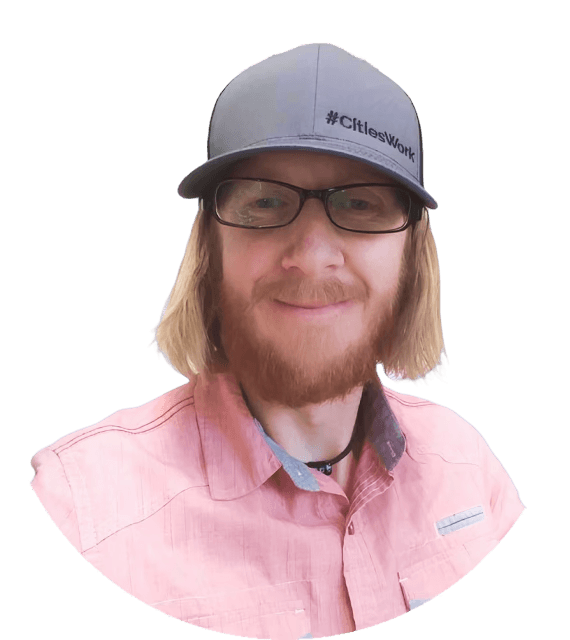
Heather
Clerk, City of Long View, NC

Lynnae
Clerk, Village of Rib Mountain, WI
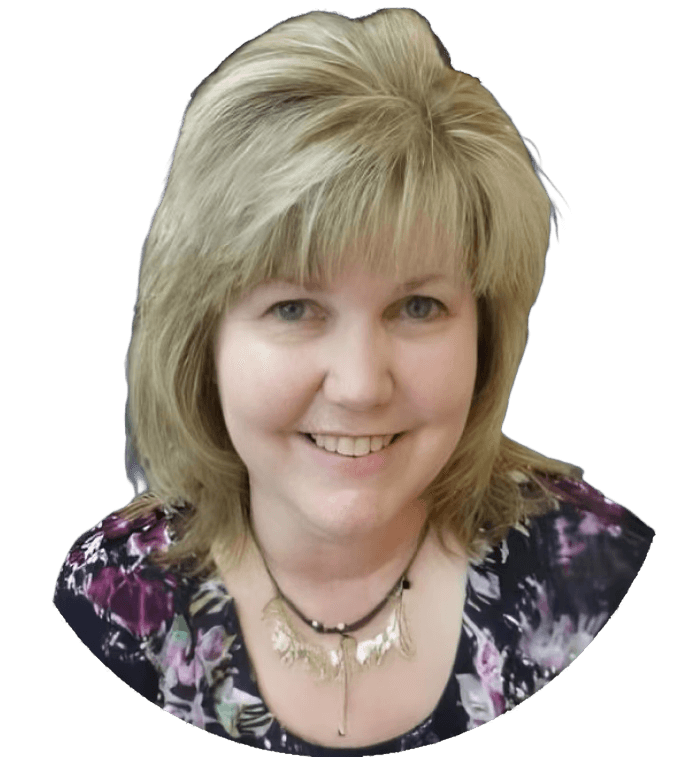
Carolyn Shields
City Recorder at City of Oakland, OR
Before ClerkMinutes
Stress about missing important details
Frantically write during meetings
Spend hours reconstructing conversations
Work late, turning notes into professional minutes
After ClerkMinutes
Listen actively and facilitate confidently
Trust that everything is being captured
Review polished drafts instead of starting from scartch
Go home when meeting ends
Frequently Asked Questions
How is this different from just using ChatGPT, Claude, or Gemini?
ClerkMinutes® is purpose-built for municipal meetings. It understands agendas, motions, seconds, and roll calls, not just general text. It structures your minutes automatically, applies clerk-approved formatting, and ensures compliance-ready records without manual editing.
How is ClerkMinutes different from other transcription tools?
Can it distinguish who’s speaking?
Can it really understand government terminology?
How accurate are the transcriptions?
What if the AI gets something wrong?
Is it compliant with open records laws?
What’s included in the price?
Can it work with our existing recording system?
Can multiple staff members collaborate?
What if we don’t have great audio quality?
Do I need training to use it?