ClerkMinutes 2025 year in review
ClerkMinutes milestones, wins and lessons that shaped our product and our customers’ experience over the past year.
As we turn the page on another year, we wanted to pause and reflect on what the ClerkMinutes team built, learned, and improved in 2025.
This year included a big product evolution, more time in the field with Clerks, and a lot of behind-the-scenes work to make ClerkMinutes even easier to use.
In this post, we’re sharing the milestones, wins and lessons that shaped our product and our customers’ experience over the past year.
Key highlights
Biggest product update yet with ClerkMinutes V2, including Custom Instructions. That included a full design update of the app to make ClerkMinutes easier to use and to support faster shipping of new features and product enhancements.
We heard more Clerks than ever before telling us they love ClerkMinutes and can’t live without it.
The support team grew, so we can help more Clerks faster.
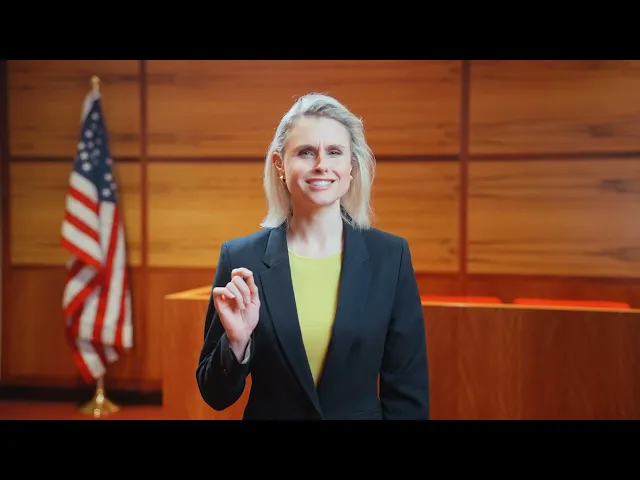
We created our first-ever ClerkMinutes YouTube commercial. It was a hoot.
Now anyone can start a free trial right in the app.
We hosted webinars and training sessions to help Clerks get more value out of the product.
Speaker capabilities were updated three separate times this year (and we’re continuing to improve them).
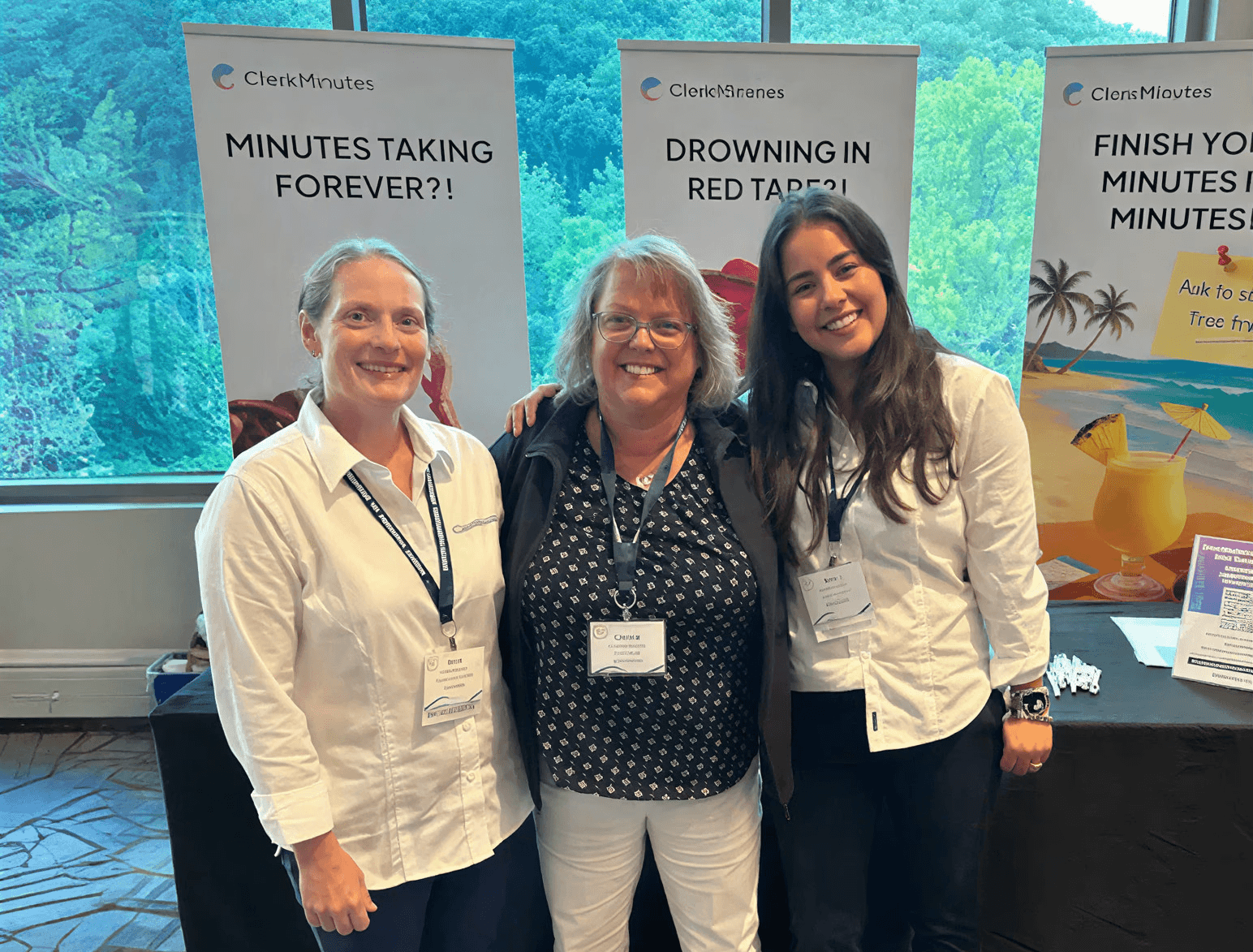
Our team attended multiple Clerk conferences including NEACTC, NCAMC, CMCA, and others and met directly with customers.
Product Usage Stats
We also saw some only in public meetings usage this year. A few stats that made us do a double take.
Longest meeting transcribed: 1,492 minutes (24.8 hours). Someone left the recording running. ClerkMinutes still handled it like a champ.
Longest real meeting: 6.29 hours.
Most speakers recognized and assigned in one meeting: 208.
We made the AI “speak” fluent Southerner and Wisconsinite.
ClerkMinutes V2: custom instructions + the design rebuild
We shipped our biggest update in ClerkMinutes history. The goal was simple.
Make ClerkMinutes easier to navigate day-to-day for Clerks.
ClerkMinutes V2 was a rebuild that gave Clerks more control over the output and gave our team a better foundation to ship improvements faster and more safely.
In fact, more Clerks than ever before said they love ClerkMinutes and “they cannot live without it.”
Our Custom Instructions functionality was a big part of that. It lets Clerks guide how ClerkMinutes drafts minutes so the output matches local standards and preferences. This means Clerks spent way less time on formatting and reviewing for accuracy and faster time going from upload to publish.
Simply put, the product is cleaner, easier to use, and better set up for what we’re building next.
Always growing, always adding value for Clerks
Speaker improvements
Speaker capabilities were updated three different times this year. Speaker identification and assignment is one of the most important parts of a clean draft, and we’re continuing to invest heavily here.
Opened free trial access for everyone
Now anyone can start a free trial, so more Clerks and teams can evaluate ClerkMinutes in a low-friction way.
Product enhancements and reliability improvements
Not everything was perfect on the first try this year, and we took the rough edges seriously. When something slowed Clerks down or created extra review work, we fixed it and strengthened the workflow so the product is more stable and predictable day-to-day.
Here’s what’s improved:
Meeting link reliability. We resolved an issue where some YouTube links weren’t working consistently, so referencing meeting content doesn’t stall your process.
More reliable agenda handling. We improved how agendas are processed so drafts are more consistent and you spend less time correcting odd output.
Smoother speaker assignment. We rebuilt and stabilized the speaker assignment flow so it works better across browsers and large meetings.
Cleaner transcription output. We improved transcription quality so drafts are easier to review, with less manual untangling.
When something broke or didn’t perform the way Clerks needed it to, we pushed hard to fix it and improve the experience.
Events attended
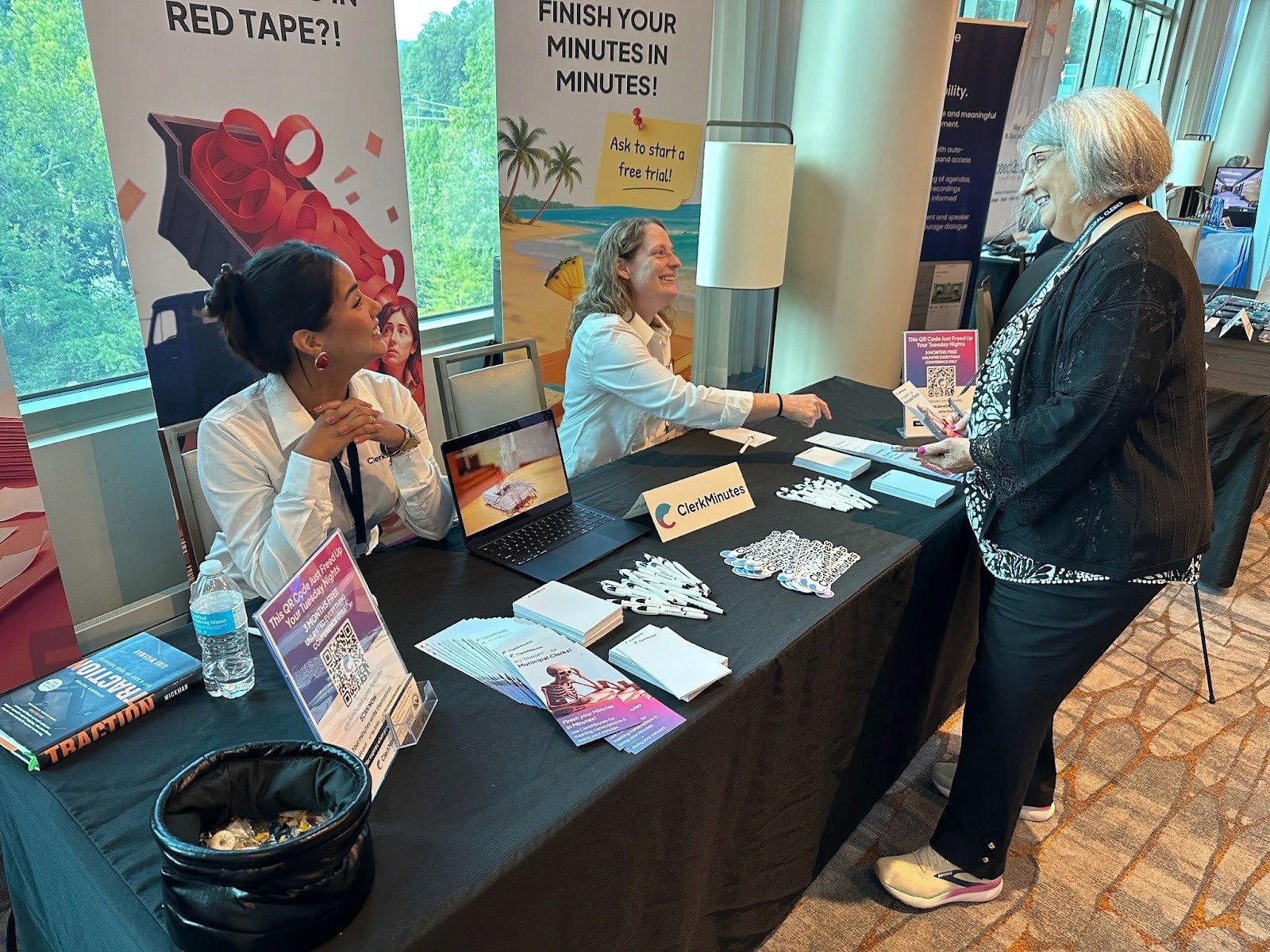
We spent time in person with Clerks this year to hear what’s working, what’s frustrating, and what would actually make the product better in the real world.
Conferences we attended included:
NEACTC.
NCAMC.
CMCA.
And others across the Clerk community.
What’s ahead
2025 was a big build year. 2026 is about tightening the loop, keeping improving accuracy, and making the product feel even more “set it up once, then it just works” in the background for Clerks.
Here’s what we’re focused on next:
Keep improving speaker recognition and assignment. We shipped three rounds of upgrades this year, and we’re continuing to iterate because it’s one of the biggest drivers of clean, publish-ready drafts.
More training, more enablement. Webinars and training sessions worked. We want more Clerks getting value faster, with less trial-and-error.
Support at scale. As usage grows, support has to stay fast and consistent. We’re continuing to invest there.
More time with Clerks in the real world. Conferences and in-person conversations gave us clearer signal than any analytics dashboard ever will. We’re keeping that feedback loop going.
Keep reading
How a fast-growing Florida county stopped falling behind on meeting minutes
See how one Florida Clerk cut hours from meeting minutes with ClerkMinutes.
The North Carolina Town Clerk Who Turned Eight-Hour Meetings Into 45-Minute Turnarounds
How Heather Minor, Town Clerk at the Town of Longview, went from multi-day transcription marathons to done-by-Tuesday
No more couchwork
How St. Louis Park, MN cut a month-long meeting minutes backlog down to 30-45 minutes.
ClerkMinutes
®
HeyGov, Inc.
Sturgeon Bay, Wisconsin
Toll-Free:
Email: